


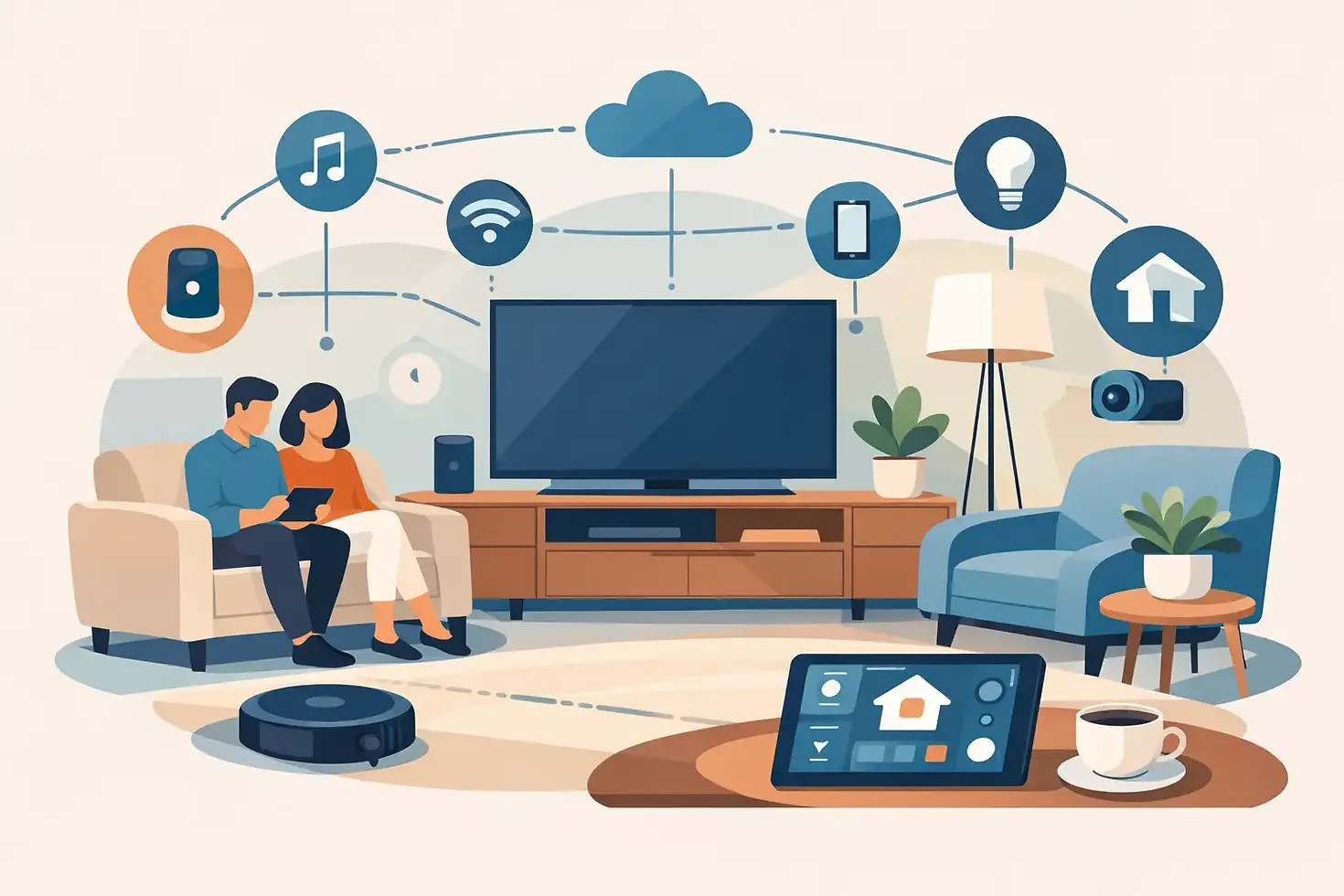
12 Connected Living Room Ideas That Work Harder
The best connected living room ideas do not make a room feel like a gadget showroom. They remove small, repetitive tasks from your day: closing the curtains when the afternoon sun hits, switching on the right lights for a movie, cooling the room before everyone gets home, or checking that the front door is locked from the sofa. For condo, HDB, and BTO homeowners, the goal is simple - a cleaner, more comfortable space that works around real routines.
A connected living room can start with one useful upgrade or become the command center for the home. The right setup depends on your layout, daily habits, and renovation stage. Choose devices that solve a clear problem first, then build toward a system that is easy for every family member to use.
Start With the Moments You Want to Improve
Before choosing devices, think about what happens in your living room from morning to night. A couple who uses the space mainly after work may value automated curtains, soft lighting, and a quiet ceiling fan. A family may prioritize safer entry monitoring, simple voice controls, and lighting that can change from homework mode to movie night. If the living room receives strong sunlight, motorized window coverings and temperature control may deliver more value than adding another smart speaker.
This approach also keeps the room visually calm. Smart living should reduce clutter, not add chargers, remotes, and exposed cables to every surface. Plan power points, device placement, and control methods early if you are renovating. If you are upgrading an existing home, start with products that can work with your current wiring and furniture arrangement.
12 Connected Living Room Ideas for Everyday Comfort
1. Set lighting scenes instead of controlling lights one by one
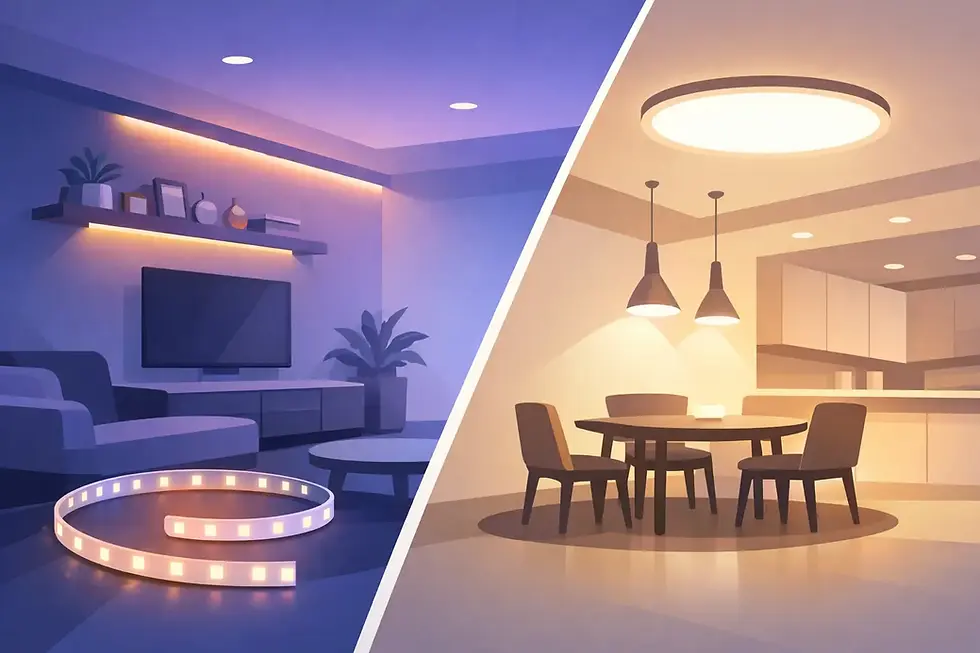
Smart lighting is one of the most practical places to begin. Create a bright scene for cleaning, a focused setting for reading, and a warmer, dimmer scene for winding down. One tap can adjust several lights at once, which is far more convenient than walking around the room or managing multiple switches.
Keep physical wall controls in the plan. App control is useful, but a well-placed smart switch remains the fastest option for guests, children, and anyone who simply wants to turn on a light without reaching for a phone.
2. Pair motorized curtains with the sun, not just a schedule
Motorized curtains or blinds make a strong difference in living rooms with large windows. Set them to open gently in the morning and close before harsh afternoon heat fills the room. This can improve privacy, protect furnishings from direct sun, and reduce the need to run air conditioning at full power.
Schedules work well for predictable routines, but they should not be the only option. Make sure manual controls and app adjustments are available for weekends, rainy days, or times when you want to enjoy the view.
3. Use a smart ceiling fan for low-effort comfort
A connected ceiling fan gives you easier control over airflow without adding another remote to the coffee table. Adjust speed from an app, set a timer before bed, or coordinate the fan with your cooling routine. In many apartments, steady air circulation can make the room feel more comfortable at a less aggressive air-conditioning setting.
Fan size and blade clearance still matter. Smart features cannot compensate for a fan that is too small for an open-plan living area or mounted too close to a beam, cabinet, or low ceiling.
4. Create a one-tap movie-night mode
Movie night is a perfect example of automation that feels useful immediately. A single scene can dim the main lights, switch on accent lighting, close the curtains, and turn on the TV or entertainment system. The result is less searching for remotes and fewer bright lights reflecting on the screen.
Keep the scene flexible. If someone needs to walk through the room, a low-level pathway light is safer than leaving the entire space dark. Small details like this make automation feel thoughtful rather than overly complicated.
5. Hide entertainment cables before they become a problem
A connected living room should look organized even when it includes a TV, soundbar, streaming box, game console, router, and charging points. Plan cable channels behind the TV feature wall or console, and allow ventilation around electronics. Leave access panels where possible so future upgrades do not require opening up finished carpentry.
Reliable connectivity matters here. If Wi-Fi struggles in the living room, your streaming and smart controls will feel unreliable no matter how good the devices are. Position networking equipment carefully or consider coverage improvements for larger homes.
6. Add voice control where hands are usually busy
Voice control is especially handy when you are carrying groceries, settling a child, or relaxing on the sofa. Use it for simple requests such as adjusting lights, turning on the fan, or closing curtains. It is best treated as an extra layer of convenience, not the only way to operate your home.
Choose clear room names and keep commands simple. “Living room lights” is easier for everyone to remember than a collection of clever device labels.
7. Use motion sensors for useful, low-level lighting
Motion-triggered lighting can make late-night trips through the living room safer and more comfortable. A gentle floor-level light can turn on when someone walks through, then switch off after a short period. This is particularly useful in layouts where the living room connects directly to bedrooms, kitchens, or an entrance corridor.
Avoid using motion sensors as the main control for seating areas. If people are watching a movie or sitting still, the lights may switch off at the wrong time. Use them for pathways, display cabinets, or transitional zones instead.
8. Put access awareness on one screen
If your main door faces the living room, a digital door viewer, video doorbell, or connected lock can add reassurance without interrupting your evening. You can check who is outside before opening the door and manage access more conveniently for family members or trusted visitors.
Privacy is part of the decision. Set strong passwords, use secure account settings, and choose notification preferences that help rather than distract. A door alert for every movement can become noise if it is not configured around your household.
9. Build a charging zone that does not take over the sofa
Phones, tablets, headphones, and remotes tend to gather in the living room. Instead of letting cables spread across side tables, create one designated charging point inside a console, beside a seating area, or near a built-in cabinet. Power outlets with smart control can also help manage devices that do not need to stay on all day.
Think about how you actually sit in the room. A charging point hidden behind a TV may look neat, but it will not help when someone wants to charge a phone from the couch.
10. Make your TV wall work with the rest of the room
A TV wall can be more than a screen mount. Integrate dimmable backlighting, concealed power, storage for remotes, and a clean route for cables. If your living room also serves as a play area or work-from-home corner, closed storage helps the space shift between functions without feeling crowded.
Avoid selecting finishes based on appearance alone. Glossy panels can reflect daylight and screen glare, while very dark feature walls may make a compact room feel smaller. The best choice depends on natural light, viewing distance, and your existing furniture.
11. Automate the away-from-home routine
A living room is often where you notice last-minute details before leaving: lights left on, curtains still open, or the fan running. An away routine can switch off selected devices, close window coverings, and help you check key access controls from one app.
Do not automatically shut down every outlet without thought. Internet equipment, security devices, and appliances with their own schedules may need to remain powered. Set rules device by device rather than using one blanket command.
12. Keep one app as the everyday control center
The biggest benefit of a connected home is not owning more devices. It is avoiding a different app for every device. A unified control platform lets you manage lights, curtains, fans, switches, and selected security features in one place. It also makes scenes easier to create and simpler to adjust as your routine changes.
At Smart Home Elements, this integrated approach helps homeowners combine home automation with the practical upgrades that make a living room feel complete, from lighting and power controls to motorized window coverings and ceiling fans.
Plan for Reliability Before Adding More Features
Connected devices should still work when your phone battery is low, a guest is visiting, or your Wi-Fi needs attention. Choose products with straightforward physical controls, confirm compatibility before purchase, and avoid mixing systems that cannot communicate with each other. During renovation, reserve enough power points and consider where hubs, routers, and control panels can sit without disrupting the interior design.
It also helps to stage the upgrade. Start with lighting, curtains, and fan control if comfort is the priority. Add entertainment integration or access monitoring once the daily basics are working well. This keeps spending focused and gives you time to learn what your household will actually use.
A well-planned living room should feel easy before it feels smart. Begin with the routine that frustrates you most, choose one upgrade that solves it cleanly, and let the rest of your connected home grow from there.


Comments