


Smart Lock vs Keypad: Which Door Access Fits?
Your front door gets used at the least convenient moments: when your hands are full with groceries, when a child arrives home before you do, or when a cleaner needs access during a workday. The smart lock vs keypad question matters because the right choice can remove small daily frustrations without adding complexity to your home.
First, there is one point worth clearing up. A keypad is often a feature within a smart lock, not always a separate alternative. Many digital locks offer PIN access alongside fingerprints, RFID cards, physical keys, mobile app control, or remote visitor access. The real decision is usually between a simple keypad-based lock and a connected smart lock with broader access options.
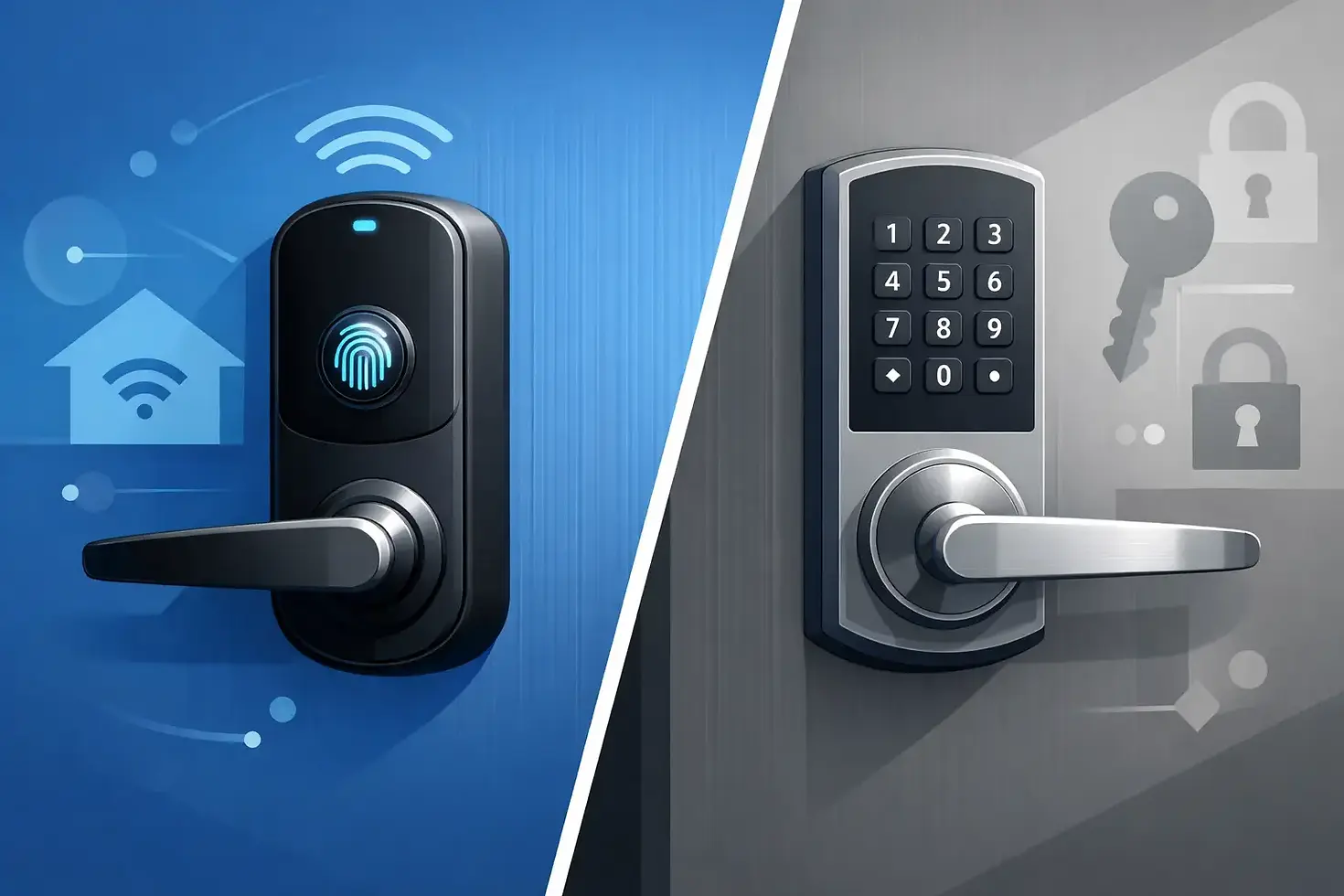
Smart Lock vs Keypad: Know the Difference
A basic keypad lock lets you enter a PIN code to open the door. Depending on the model, it may also support RFID cards, fingerprints, or a backup mechanical key. It is a practical upgrade for homeowners who want to stop carrying keys but do not need app control or remote access.
A smart lock takes access a step further. It connects to an app through Bluetooth, Wi-Fi, a hub, or another home automation system. That connection can allow you to check lock status, lock or unlock the door from elsewhere, create temporary visitor codes, and receive activity notifications.
For an apartment, condo, HDB flat, or BTO home, both options can make arrival and departure easier. The difference comes down to how many people use the door, how much control you want when away from home, and whether you are building a more connected home overall.
When a Keypad Lock Is the Better Choice
A keypad lock suits households that want simple, direct access. Enter the code, open the door, and get on with your day. There is no need to open an app, manage wireless settings, or rely on an internet connection for standard entry.
This can be especially useful for homeowners who prefer familiar controls, older family members who do not want another app to learn, or rental properties where the owner wants an easy way to change access codes between tenants. A keypad also gives children a dependable way to enter after school without carrying a key that can be lost.
The strongest reason to choose a keypad-focused lock is simplicity. Fewer connected features can mean less setup and fewer settings to manage. If your goal is simply keyless entry at the main door, it can offer excellent everyday value.
That said, simple does not have to mean limited. Look for useful basics such as auto-lock, low-battery alerts, a backup power option, and a physical key override where appropriate. A PIN scrambling feature can also help prevent someone from guessing your code by watching finger marks on the keypad.
When a Smart Lock Makes More Sense
A smart lock is built for households that need flexibility around access. If you regularly receive deliveries, employ a helper, host relatives, or manage a busy family schedule, being able to issue and remove access without meeting someone at the door can be genuinely useful.
Temporary codes are one of the biggest advantages. Instead of sharing your personal PIN, you can create a code that works only during selected days or hours. Once the arrangement ends, remove it in the app. This is more practical than collecting spare keys or changing a main code every time a service provider needs entry.
Remote status checks are another everyday benefit. You may be halfway to work and suddenly wonder whether the door was locked. With a compatible smart lock, you can check rather than turn back. Some systems can also send notifications when a family member arrives home, offering added reassurance for parents and caregivers.
For a broader home upgrade, connected door access can work well with lighting, switches, motorized curtains, or security devices managed through one app. The benefit is not technology for its own sake. It is having fewer manual tasks to remember when leaving or returning home.
Convenience Is Not the Only Factor
Security depends on the quality of the lock, correct installation, good access habits, and the door itself. A connected lock is not automatically safer than a keypad lock just because it has more features. Likewise, a keypad is not less secure simply because it does not use an app.
Choose a lock with strong construction, reliable locking hardware, a protected emergency power method, and safeguards against repeated incorrect entries. If you use PIN access, avoid obvious codes such as birthdays, unit numbers, or repeating sequences. Give each household member their own code if the lock supports it, rather than sharing one code with everyone.
Smart locks introduce another consideration: account security. Use a strong app password, enable available two-factor verification, and keep the lock app and connected hub updated. Remote access is valuable, but it should be managed with the same care you would give online banking or home cameras.
There is also the practical issue of batteries. Most digital locks run on batteries, whether they are app-connected or not. Good models provide low-battery warnings well before the batteries are depleted. Still, make battery checks part of your household routine, especially before a holiday or long trip.
Consider Your Door and Installation First
The best lock on paper may not be the best fit for your door. Door thickness, material, swing direction, existing mortise cutouts, gate layout, and fire-rated door requirements can all affect compatibility. A lock that fits a timber main door may not be suitable for a metal gate or a different door profile.
Installation quality matters just as much as product selection. A poorly aligned lock can affect closing, reduce battery life, or create frustrating access issues. Professional assessment is particularly helpful when replacing an older digital lock, fitting a lock into a new renovation, or coordinating the main door and gate for a cleaner overall setup.
At Smart Home Elements, homeowners can match digital door access with other practical upgrades during the same planning stage. That helps avoid a common renovation problem: choosing individual products first, then discovering later that they do not work neatly together in the finished home.
Choose Based on How Your Household Moves
A keypad lock is usually the right fit if you want straightforward keyless entry, have a predictable household routine, and prefer a lower-maintenance setup. It is a sensible choice for many homes where everyone is comfortable using a PIN, card, or fingerprint at the door.
A smart lock is often worth the added investment if access changes frequently or you want control beyond the front door. It works well for working couples, families with school-going children, homeowners who travel, and anyone coordinating regular visitors or household services.
You do not need every feature available. A fingerprint reader may be more useful than remote access for one family, while time-limited PINs may matter far more to another. Think about the last month: Who needed entry? Who forgot keys? How often did you wonder whether the door was locked? Your answers will point to the features that will actually improve daily life.
A Practical Way to Decide
Before choosing, decide whether your priority is simple entry, shared access, remote control, or integration with a wider smart home setup. Then confirm door compatibility and choose an installation approach that protects both function and appearance.
The best door lock is the one your household will use confidently every day. Start with the access problem you want to solve, and let the right level of technology make coming home feel easier.


Comments