


Do Smart Locks Need WiFi? What Homeowners Need
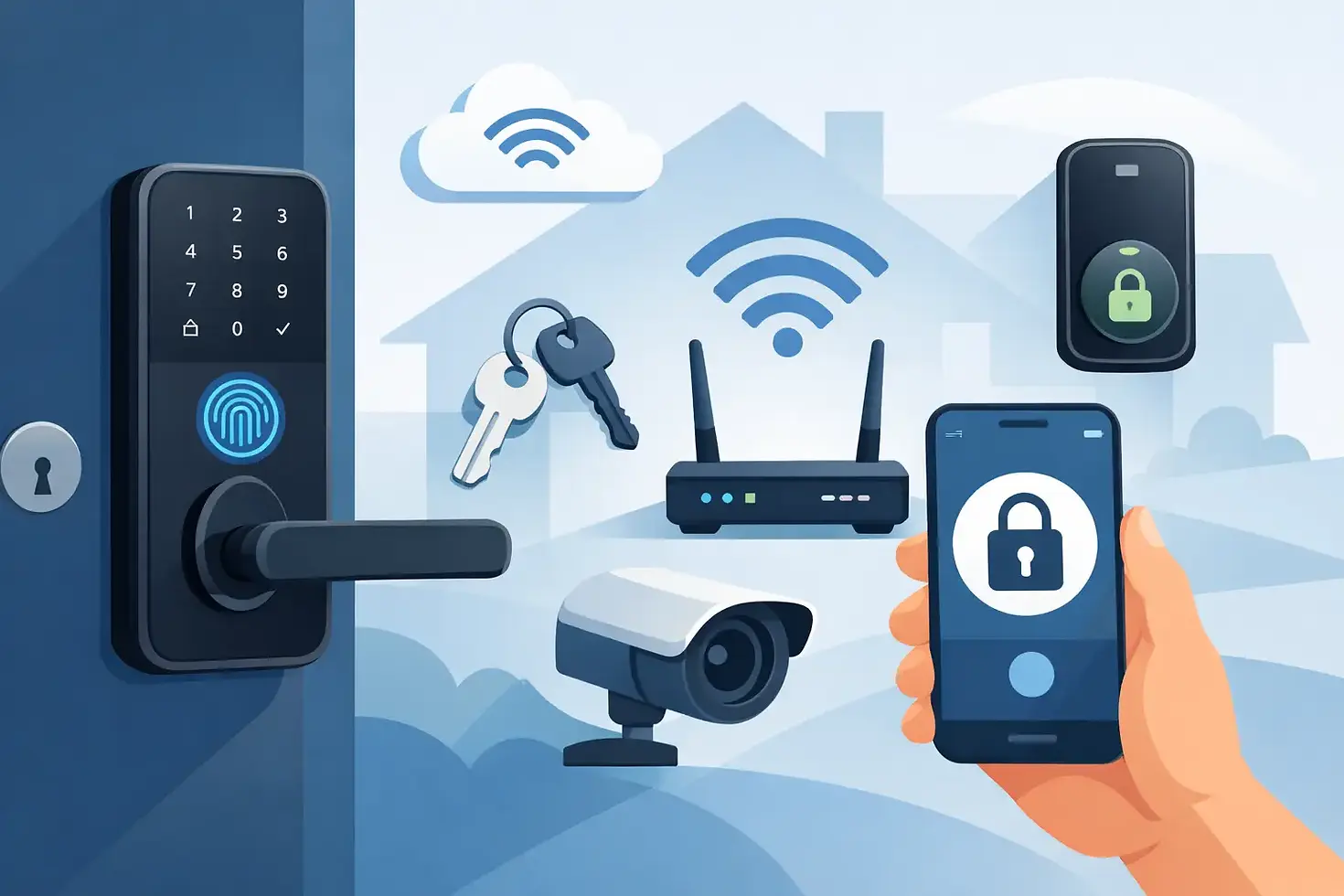
A smart lock can still open your front door when the internet is down. That is the part many homeowners miss when asking, do smart locks need wifi? In most cases, no. Wi-Fi is an added convenience, not the basic mechanism that makes a smart lock work.
The right choice depends on how you use your home. If you mainly want keyless entry for family members, a keypad or Bluetooth smart lock may be all you need. If you want to check lock status from work, let in a cleaner while traveling, or receive activity alerts, Wi-Fi becomes much more useful.
Do Smart Locks Need WiFi to Work?
Most smart locks are designed to operate locally, even without Wi-Fi. You can typically unlock them using a PIN code, fingerprint reader, RFID card, physical key, or Bluetooth connection from your phone. The lock runs on batteries and communicates directly with the method you choose.
That means a Wi-Fi outage does not normally leave you locked outside. A properly installed lock should continue to perform its core job: securing the door and allowing authorized people to enter.
Wi-Fi matters when you want to control or monitor the lock from outside Bluetooth range. Without Wi-Fi, you need to be near the door to use your phone as a key, change many settings, or see real-time access information. With Wi-Fi, the lock can connect to its app through your home network, giving you more control wherever you are.
What You Can Do Without Wi-Fi
A non-Wi-Fi smart lock is often a practical fit for homeowners who want a cleaner, simpler upgrade from traditional keys. You can assign unique PIN codes to household members, avoid carrying keys on short trips, and remove access when someone no longer needs it.
Bluetooth locks connect when your phone is nearby. This can support phone-based entry and app controls at the door without relying on your home internet. Keypad models are equally straightforward: enter a code, open the door, and go.
For many households, these local features are enough. Parents can give older children a personal code instead of a spare key. Couples can come and go without coordinating keys. A homeowner can also create a code for a contractor, then delete it after the job is complete.
There is a trade-off. Without Wi-Fi or a connected hub, you usually will not receive instant notifications when someone enters. You also cannot unlock the door for a visitor when you are at the office, at dinner, or on vacation.
What Wi-Fi Adds to a Smart Lock
Wi-Fi turns a smart lock from a keyless entry device into a connected access-control tool. It is especially helpful for busy homes where schedules change often.
With a Wi-Fi connection, you may be able to lock or unlock the door through an app from almost anywhere. This is useful when a family member arrives early, a delivery needs to be brought inside, or a guest reaches your home before you do. You can also check whether the door is locked instead of wondering about it halfway through your commute.
Depending on the model and app, Wi-Fi features can include remote locking and unlocking, real-time entry notifications, access history, temporary passcodes, and voice assistant integration. Some systems can work alongside video doorbells, smart gates, lighting, and other connected home devices.
That added visibility can make daily routines easier. For example, you can create a time-limited code for a dog walker, housekeeper, or maintenance professional. Rather than handing over a physical key that can be copied or misplaced, you control when that code works and can remove it when the arrangement ends.
Built-In Wi-Fi vs. a Wi-Fi Hub
Not every Wi-Fi-enabled lock connects to your router in the same way. Some have Wi-Fi built in. Others use Bluetooth for nearby control and require a separate Wi-Fi bridge or hub for remote functions.
A built-in Wi-Fi lock can be simpler to set up because there is one less device to install. However, direct Wi-Fi use can place greater demand on battery life. Battery performance varies by lock, signal strength, door usage, and which features are active.
A lock that uses a hub may preserve battery life because the lock communicates using a lower-power connection, while the hub handles the Wi-Fi connection. The hub must be placed close enough to the lock for a stable connection, and it needs power. This approach can be a good fit if you are building a wider smart home system with multiple devices managed in one app.
Before choosing either option, check your door area for Wi-Fi coverage. Thick walls, metal gates, and long distances from the router can affect performance. If the signal is weak at your entryway, a mesh Wi-Fi point or a carefully placed hub may provide a better experience than relying on the router from across the home.
Internet Outages, Power Failures, and Battery Backup
Smart locks are built with everyday disruptions in mind, but homeowners should understand what changes during an outage.
If your internet goes down, remote app controls and live alerts may stop temporarily. Local access methods such as a PIN code, fingerprint, card, or physical key should still work. If the lock uses a Wi-Fi hub, local keypad and biometric access generally remain available even if the hub loses connection.
Most residential smart locks are battery-operated, so a household power outage should not stop the lock from working. The batteries inside the lock power the keypad, motor, and local authentication methods. Good models provide low-battery warnings well before replacement is urgent.
Choose a lock with a sensible emergency option. This may be a mechanical key override, an external emergency power contact, or both. Then keep the backup key somewhere secure and accessible outside the home, not locked inside the house. Like any home upgrade, the best system is one your household can use confidently when conditions are less than perfect.
Security Is About More Than the Wi-Fi Connection
Wi-Fi does not automatically make a smart lock less secure. What matters is the quality of the lock, the account security behind the app, and how the system is installed and managed.
Use a strong, unique password for the smart lock account and enable two-factor authentication when it is available. Keep the lock app and firmware updated, since updates can improve performance and address security issues. Your home Wi-Fi should also use current encryption and a secure router password.
Physical security remains just as important. A smart lock should be compatible with your door type, deadbolt, frame, and existing gate or entry setup. A feature-packed lock on a poorly aligned door can be frustrating and less reliable than a well-installed model with fewer functions.
For apartments, condos, and homes with a separate gate, think through the full arrival experience. You may want smart access at the gate, main door, or both. If several connected devices are involved, choosing a system that works within one app can reduce the need to switch between platforms every day.
How to Choose the Right Setup for Your Home
Start with the problem you want the lock to solve. If lost keys and family access are the main concerns, choose a dependable keypad, fingerprint, or Bluetooth model with an emergency backup option. You may not need Wi-Fi at all.
If you regularly manage visitors, service providers, deliveries, or a property that is empty during the day, remote features may be worth it. Wi-Fi allows you to issue temporary access, confirm entry events, and check lock status without being at the door.
Also consider who will use the lock. Fingerprint access can be fast for adults, while a keypad may be easier for children, relatives, or guests who do not want another app on their phone. A physical key override adds reassurance for anyone who prefers a familiar backup.
Installation should be part of the decision, not an afterthought. Door thickness, lockset compatibility, swing direction, and alignment all affect how well the lock performs. Smart Home Elements can help homeowners match digital door access to practical needs, whether that means a standalone lock or a more connected entry setup.
A smart lock does not need Wi-Fi to make coming home easier. Choose Wi-Fi when remote access and visibility will genuinely improve your routine, and choose reliable local access when simple keyless entry is all your household needs.


Comments