


Family Friendly Digital Lock Features That Matter
The school-run rush is when a front door lock earns its place. One parent is carrying bags, a child is looking for a lost key, and someone needs to let the cleaner in later. The right family friendly digital lock features turn that daily friction into a simpler routine, without making your home feel complicated to operate.
A digital lock is not just a sleek replacement for keys. For a family home, it is an access system that should work for different ages, schedules, and responsibilities. The best choice balances convenience with clear control, dependable backup access, and an installation that suits your door.
Family Friendly Digital Lock Features to Prioritize
Multiple ways to enter
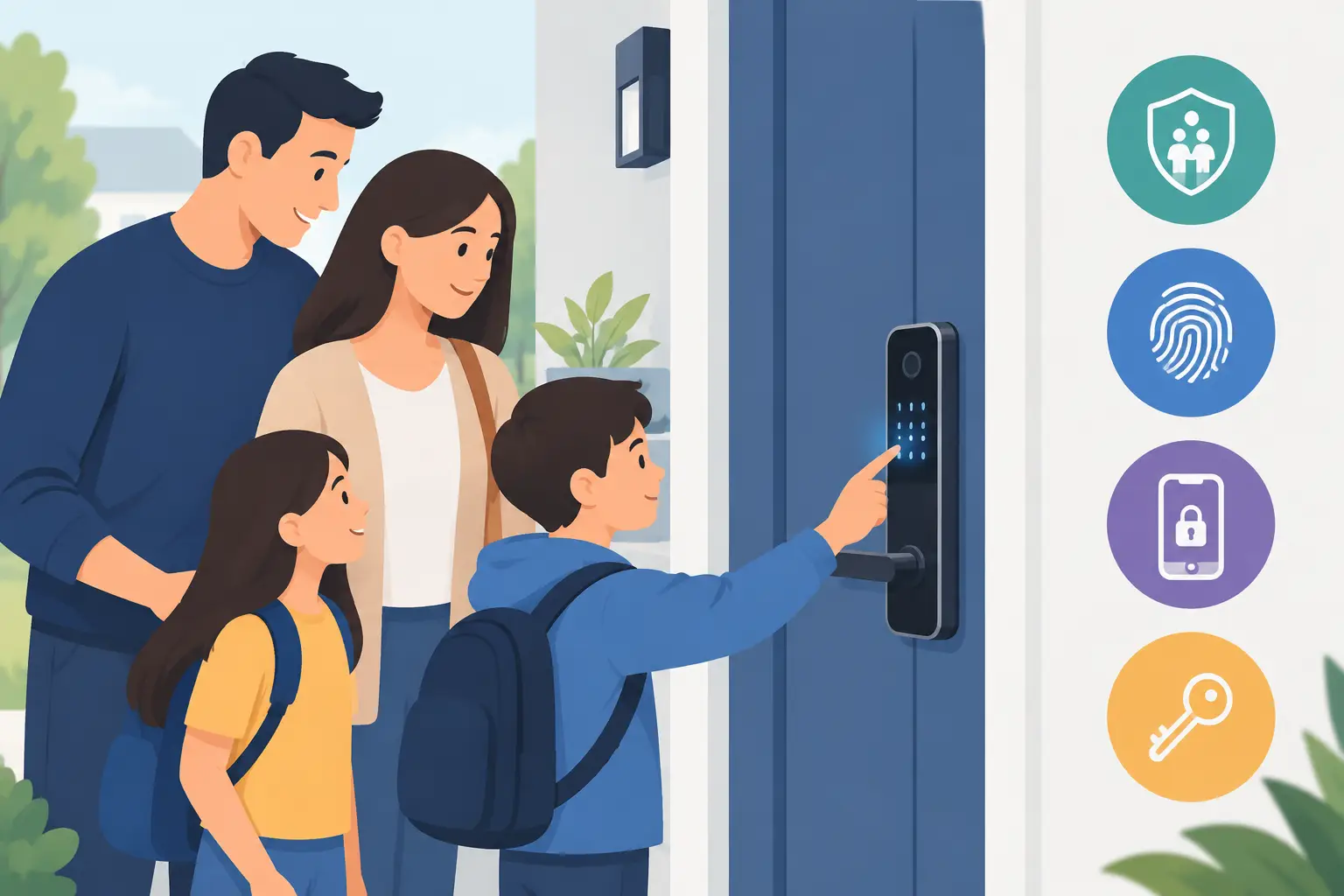
Every family uses the front door differently. A fingerprint reader can be quick for adults arriving with groceries. A PIN code may suit older children who are ready to come home independently. An access card can be easier for a helper or relative who prefers not to use an app.
Look for a lock with more than one entry method rather than relying on a single favorite feature. Fingerprints are convenient, but they may not read consistently if hands are wet or a child has not positioned their finger properly. PIN codes are easy to share within a household, but they need to stay private. A physical backup key or emergency power option provides another practical layer for unexpected situations.
The goal is not to give every person every type of access. It is to give each household member an entry method they can use confidently.
Individual PIN codes, not one shared code
A shared family code is simple at first, but it becomes difficult to manage. If a contractor, babysitter, dog walker, or former tenant knows the same code as everyone else, changing access means changing the routine for the whole family.
Choose a digital lock that allows separate PIN codes for different users. You can assign one code to each adult, another to an older child, and time-limited codes for visitors or service providers. When circumstances change, remove one code instead of resetting the lock for everyone.
This also gives you more clarity. If the lock records access activity, you can see which credential was used and when. That can be reassuring when children begin arriving home before their parents, though it should support trust and communication rather than become a tool for constant monitoring.
Scheduled and temporary access
Family life rarely runs on one fixed schedule. Grandparents may visit on certain days, cleaners may come weekly, and a repair technician may need access during a specific appointment window. Temporary PINs reduce the need to hand out keys or wait at home for every delivery and service visit.
A useful system lets you set a code to work only during selected hours or expire after one use. For example, a cleaner can have access on weekday mornings, while a one-time technician code stops working after the appointment. If your lock is connected to an app, confirm that schedule changes are easy to make and that the app is simple enough for more than one household adult to manage.
There is a trade-off here. App-based access adds flexibility, but it also means keeping phone permissions, account details, and notifications organized. A lock with straightforward controls is usually a better family choice than one with a long list of features nobody uses.
Automatic locking with sensible controls
An auto-lock feature can prevent the familiar question: “Did anyone lock the door?” After the door closes, the lock secures itself after a selected delay. For families heading out in a hurry, that small automation can make a real difference.
Still, automatic locking should be configured around how your household moves. A very short delay may be frustrating when someone is bringing in packages or making several trips to the car. A longer delay can be more practical. Some homes also benefit from a door sensor that confirms the door is actually closed before the lock engages.
If young children are in the home, make sure adults understand how the lock behaves from both sides of the door. The interior thumbturn or handle should allow a clear, quick exit in an emergency. Good access control should never interfere with safe departure.
Child-aware design and alerts
A family lock should be easy for adults to manage without being too easy for a young child to operate unsupervised. Depending on the model and door setup, useful options may include an indoor security handle, a privacy setting, tamper alarms, and alerts when the door is opened or left ajar.
These features are not substitutes for supervision or door safety habits. They are practical safeguards that can add awareness during busy moments. A door-open alert may help when a child has stepped outside unexpectedly, or when someone has not fully shut the door after leaving.
Consider the physical design as carefully as the digital functions. The indoor handle should be positioned and operated in a way that suits your family, while still meeting local safety requirements. If you live with toddlers, elderly relatives, or anyone with limited hand strength, test the lock in person before deciding.
Make Access Easy for the Whole Household
The most advanced lock is not always the most useful one. A good family setup starts with simple roles and routines. Adults should know how to add and remove users, use emergency backup access, and check battery status. Older children should know their own PIN without writing it where others can find it.
Avoid using obvious codes such as birthdays, unit numbers, or repeated digits. If your lock offers a randomized keypad display or a feature that allows extra digits before and after the actual PIN, it can reduce the chance of someone guessing a code by watching from nearby.
It also helps to decide who receives notifications. Too many alerts can become background noise, while the right alerts can be useful. Many families only need low-battery warnings, failed-entry alerts, and notices when a temporary code is used. Keep the settings focused on information you will act on.
For homes with caregivers, domestic help, frequent visitors, or older teens, agree on a basic access policy. Codes should not be casually shared, and a lost access card should be removed from the lock promptly. These habits matter just as much as the technology.
Reliability Features That Matter on Busy Days
Digital locks run on batteries, so battery management should be part of your buying decision. Choose a model with a clear low-battery warning and understand how much notice it provides. Replace batteries early rather than waiting for the final warning, and keep the recommended battery type on hand.
Emergency power ports can be especially helpful if batteries are depleted. Some locks allow temporary external power so you can enter and replace the internal batteries. Others include a mechanical key override. Check which backup method is included, where the key should be stored, and whether every adult in the household knows how to use it.
Connection is another consideration. A standalone lock can offer dependable keypad or fingerprint access without requiring Wi-Fi. A connected lock can add remote user management, notifications, and activity records. Neither option is automatically better. If you want remote control and a connected home experience, choose a system with stable app support and clear account management. If your priority is simple, reliable daily entry, a well-designed standalone lock may be all you need.
Check Your Door Before Choosing a Lock
A digital lock needs to fit more than your preferred feature list. Door thickness, material, existing cutouts, gate clearance, handle direction, and whether the door swings inward or outward can all affect compatibility. Metal gates and main doors may need different solutions, especially in apartments where both layers of access are used daily.
Installation quality matters too. A lock that is not aligned properly can cause inconsistent latching, extra battery drain, or a door that feels difficult to close. Professional assessment and installation can save time, prevent avoidable adjustments, and help you understand every access method before the installer leaves.
Smart Home Elements can help homeowners pair digital door and gate solutions with practical installation support, so the lock works as part of a more comfortable home setup rather than as a standalone gadget.
Choose Features Around Real Family Moments
Before selecting a model, picture an ordinary week. Who leaves first in the morning? Does a child return before an adult? Do you have regular service visits? Is someone often carrying a baby, groceries, or laundry? The answers point to the features that will actually make a difference.
For one family, individual PINs and activity records may be the priority. For another, fingerprint entry and auto-lock may remove the most daily stress. A larger household may value scheduled access, while a simpler home may prefer a keypad lock with reliable backup power.
The best digital lock should make arriving home feel easy, keep access organized as routines change, and give every family member a system they can use with confidence.


Comments